
jchowlabs
Browser Fingerprinting

Browser Fingerprinting

Do you know how much information your browser leaks?

Every time you visit a website, your browser quietly shares information about you before you type a single character. Your operating system, screen size, GPU, timezone, installed fonts, language preferences, and more are all accessible to any page you load.

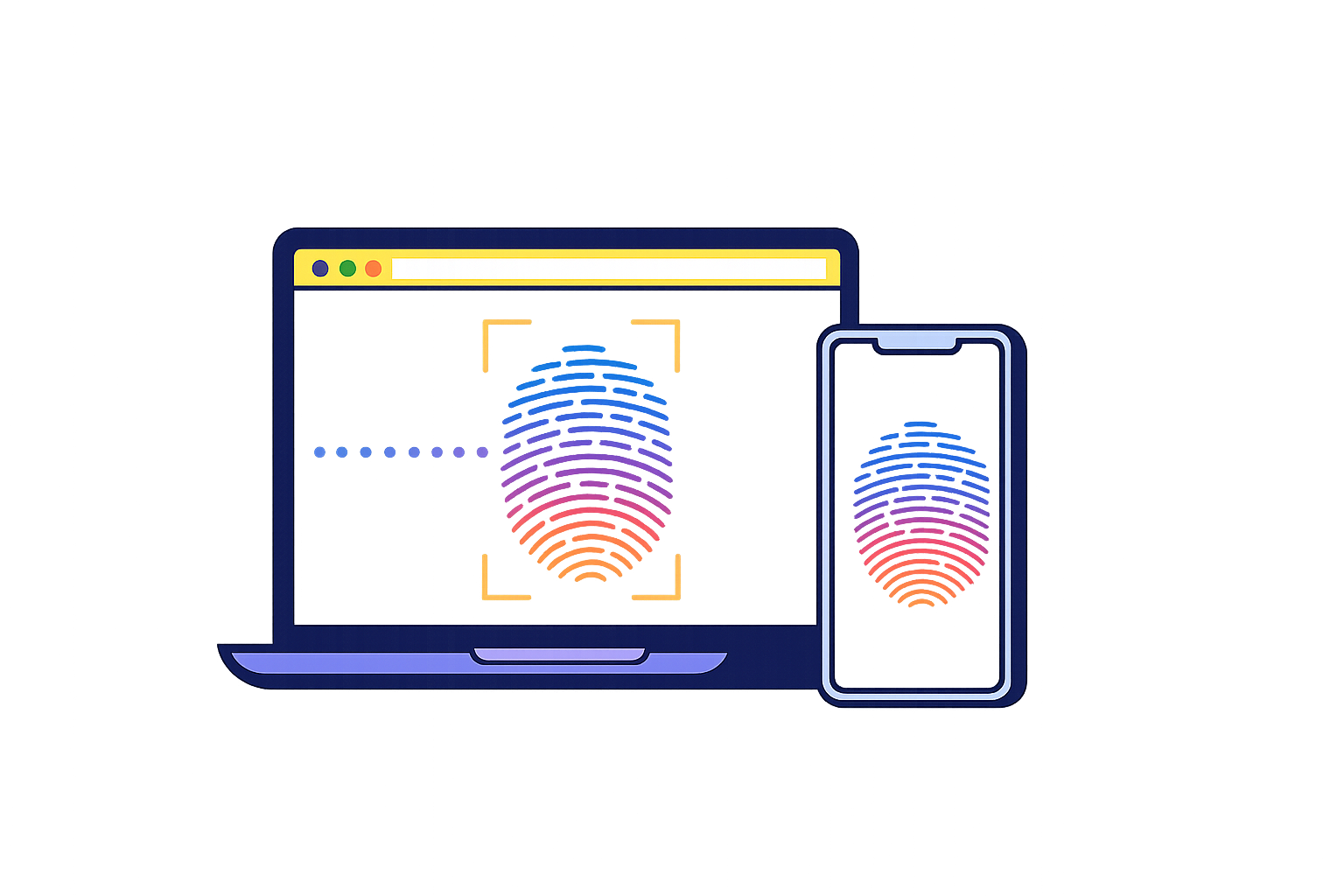
Individually, these details seem harmless. Combined, they form a digital fingerprint that can uniquely identify your device across the web — even without cookies, logins, or tracking scripts.

This technique is known as browser fingerprinting, and it is used by advertisers, analytics platforms, and fraud detection systems to recognize and follow users across sites. Unlike cookies, a fingerprint cannot be easily cleared. It is derived from your device's natural characteristics.

Click the button below to see exactly what your browser is revealing right now. Nothing is stored or transmitted beyond this page. Try running it again after enabling a VPN, switching browsers, or turning on privacy settings to see what changes.

Run Your Report

Network Identity

IP Address
Location
ISP
Timezone (server)
TLS
Protocol

Device & Browser

User Agent
Platform
Vendor
Screen
Viewport
Color Depth
CPU Cores
Device Memory
Touch Points
GPU
Webdriver

Locale & Preferences

Languages
Timezone
Dark Mode
Reduced Motion
High Contrast
HDR Display
P3 Color Gamut
Do Not Track
Cookies
Ad Blocker

Fingerprints

Canvas
WebGL
Audio
Math
Intl
Voices
Fonts Detected

WebRTC Leak Detection

WebRTC Supported
Local IPs
Public IPs
ICE Candidates

HTTP Headers

Headers

WebGL Details

GPU Vendor
GPU Renderer
WebGL Version
Shading Language
Extensions
Max Texture
Max Renderbuffer
Max Viewport
Antialiasing

Speech Voices

Total Voices
Local Voices
Remote Voices
Languages
Sample

Media Devices

Audio Inputs
Audio Outputs
Video Inputs
PDF Viewer

Intl Locale

Date Locale
Calendar
Numbering System
Hour Cycle
Collation
Collator Sensitivity
ListFormat
Segmenter
DurationFormat

CSS Feature Support

Supported
Features
Unsupported

JavaScript API Surface

Available
APIs Present
APIs Absent

Permission States

Notifications
Geolocation
Camera
Microphone
Clipboard Read

Battery

Status
Level

Connection

Type
Downlink
RTT
Save Data

Storage APIs

localStorage
sessionStorage
IndexedDB

Reducing Your Exposure

There is no single fix, but several steps meaningfully reduce how much your browser reveals:

  • Use a VPN — masks your IP address and approximate location.
  • Enable browser privacy settings — Firefox’s “resist fingerprinting” mode and Brave’s shields actively reduce fingerprint surface area.
  • Keep software updated — outdated user-agent strings are more distinctive.
  • Use Tor Browser — aggressively normalizes all signals so every user looks identical.
  • Limit browser extensions — extensions can modify behavior in detectable ways.

Perfect anonymity is difficult to achieve without trade-offs. The goal is awareness — understanding what you are sharing so you can make informed decisions about when and how to reduce it.